

Media Management
Media Management controls where Porwr stores the images you upload. In Porwr 0.3.0 it has one setting, the Blossom server URL. It used to be in Settings.
What Blossom is
Blossom is a media storage protocol used by Nostr tools. A Blossom server stores files, such as images, and gives each one a public URL that Nostr clients can load.
What Porwr uploads
Porwr uploads to your Blossom server when you add a profile picture or banner in Profile Management.
The image URL is then saved in your public profile metadata.
Setting the Blossom server
- Open Media Management.
- Enter the server address in Blossom Server URL.
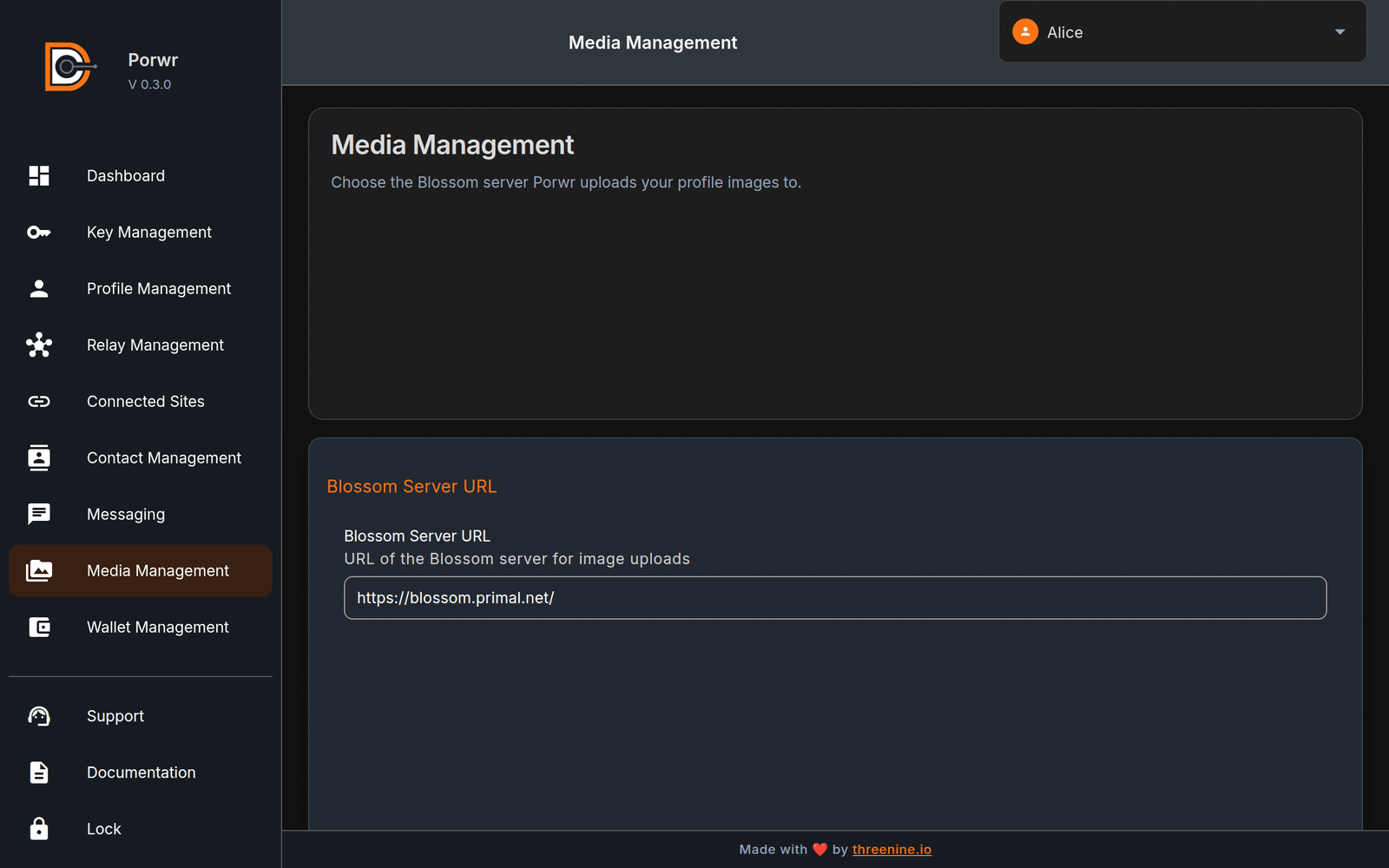
The change is saved straight away. The default server is https://blossom.primal.net/.
Choosing a server
- Only use a Blossom server you trust.
- Uploaded media is usually public. Anyone with the URL can see it.
- Some servers have size limits or require payment. Check the server's terms before uploading.
Coming later
Future versions of Media Management will let you browse the media you have uploaded and manage your Blossom settings in more detail.
Common issues
Image upload failed
Check that the Blossom server URL is correct and that the server is online. Then check the file format and your network connection.
Image does not appear in other clients
Check that the uploaded image's URL opens in a browser, and that your updated profile was published to your relays.